100% On-Device · No Cloud
Captions.
Done offline.
Drop a video. Get subtitles. Everything happens on your iPhone — private, instant, no subscription needed.
Drop a video. Get subtitles. Everything happens on your iPhone — private, instant, no subscription needed.
How It Works
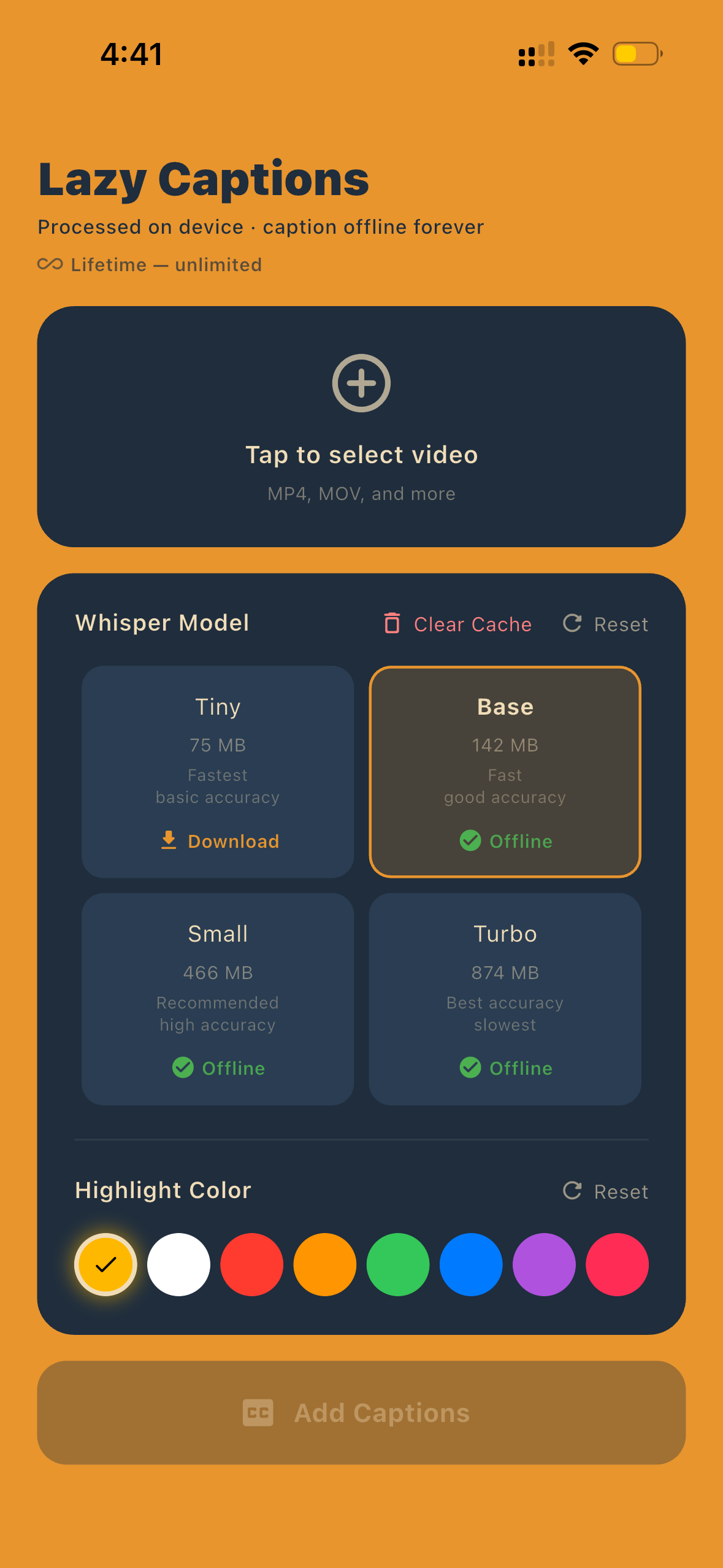
Select any MP4 or MOV from your library. No size limit, no upload — stays on your phone.
Pick a Whisper model from Tiny to Turbo. Bigger = better accuracy, smaller = faster results.
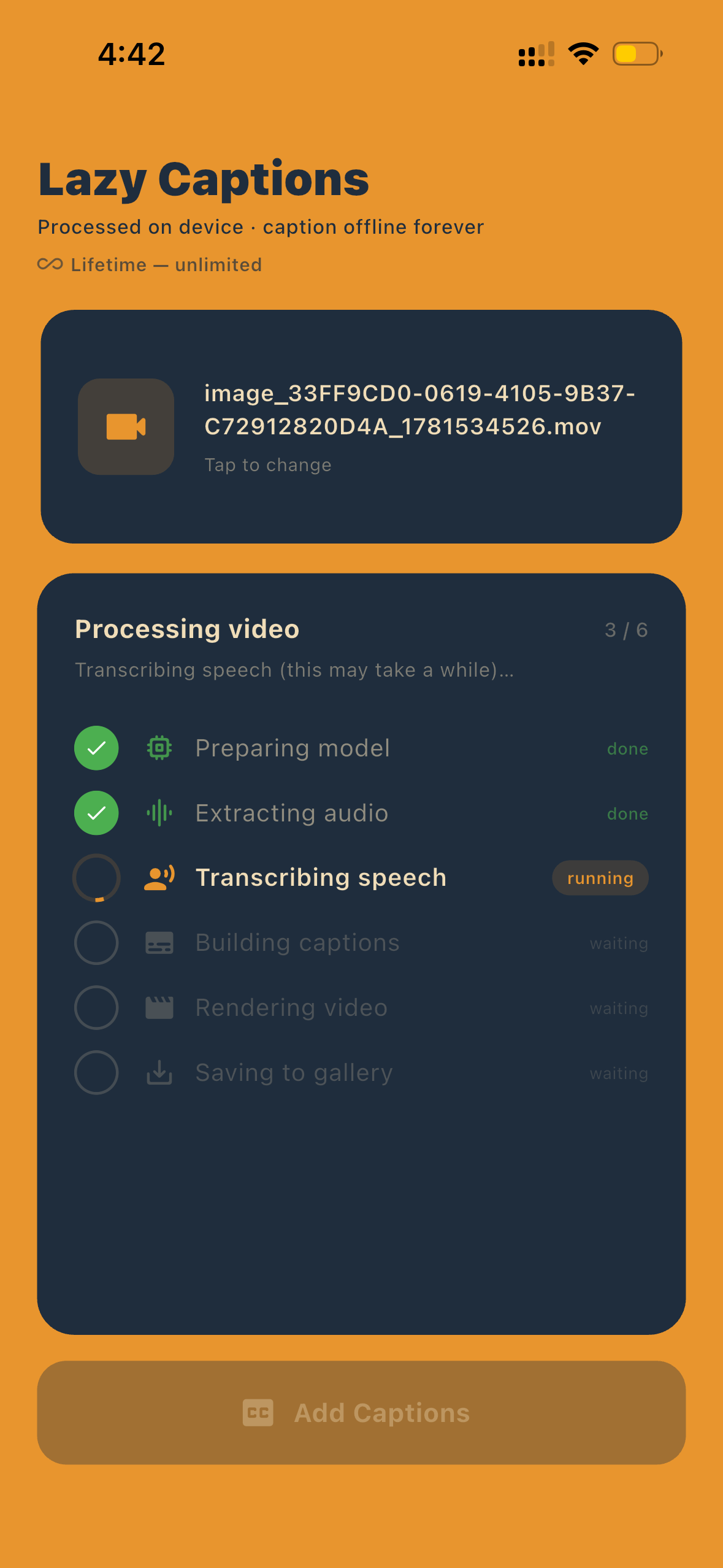
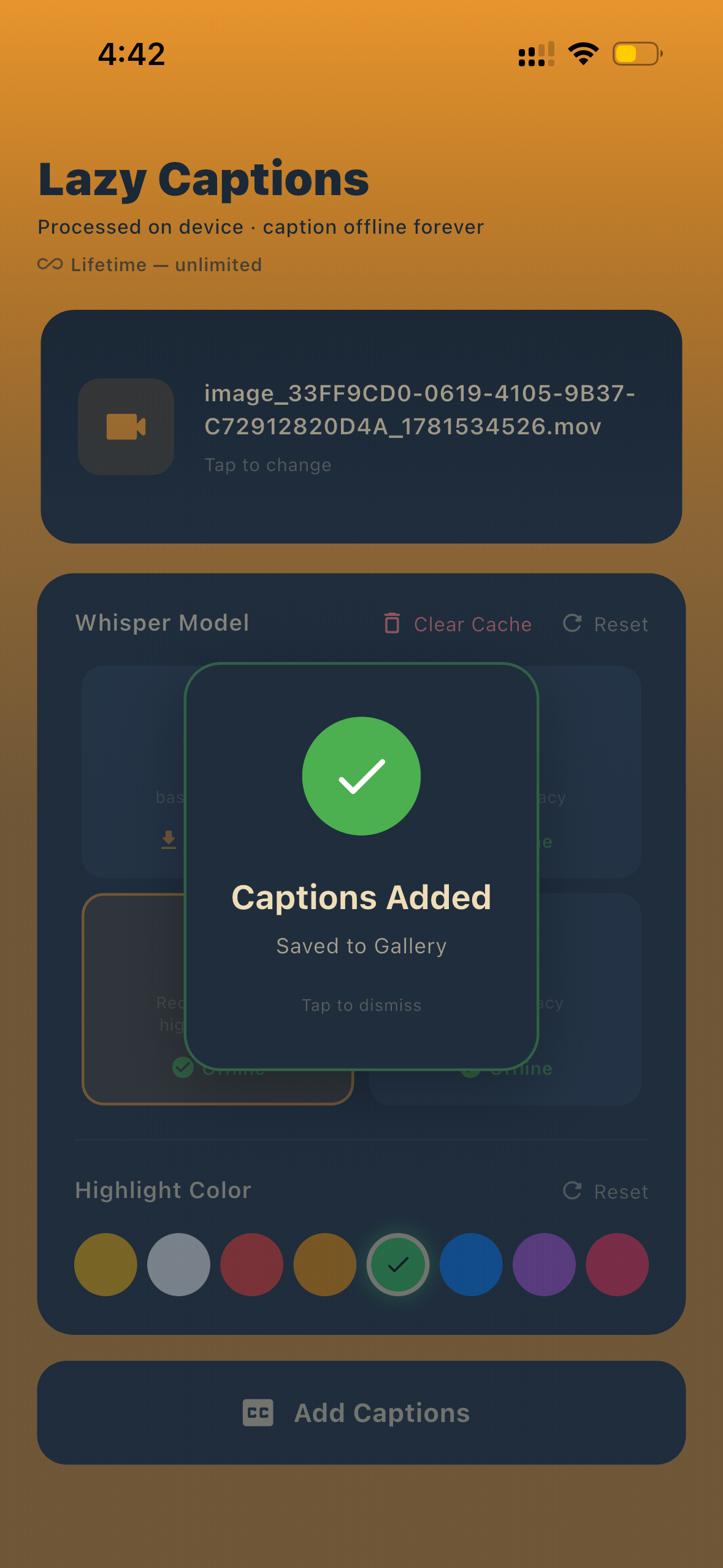
Subtitles are burned in and saved directly to your gallery. Done.
Live Demo
Real output from the app — captions generated entirely on-device in seconds. No edits, no cleanup. What you see is exactly what you get.
Features
OpenAI's Whisper model runs entirely on your iPhone. Speech recognition that actually works.
No internet connection needed. Caption videos on a plane, in a tunnel, anywhere.
Pick from yellow, red, blue, green, purple and more to style your caption highlights.
No monthly fee, no limits. Pay once, caption forever.
Whisper Models
One download. No account. No internet. Caption any video, forever.