 Lazy Captions — by
 Your iPhone writes the subtitles now.
Drop in any video — Lazy Captions transcribes it with Whisper AI, entirely on-device, and burns beautiful captions straight into the file. No cloud. No account. No subscription.
Three taps to a captioned video.
Pick a video
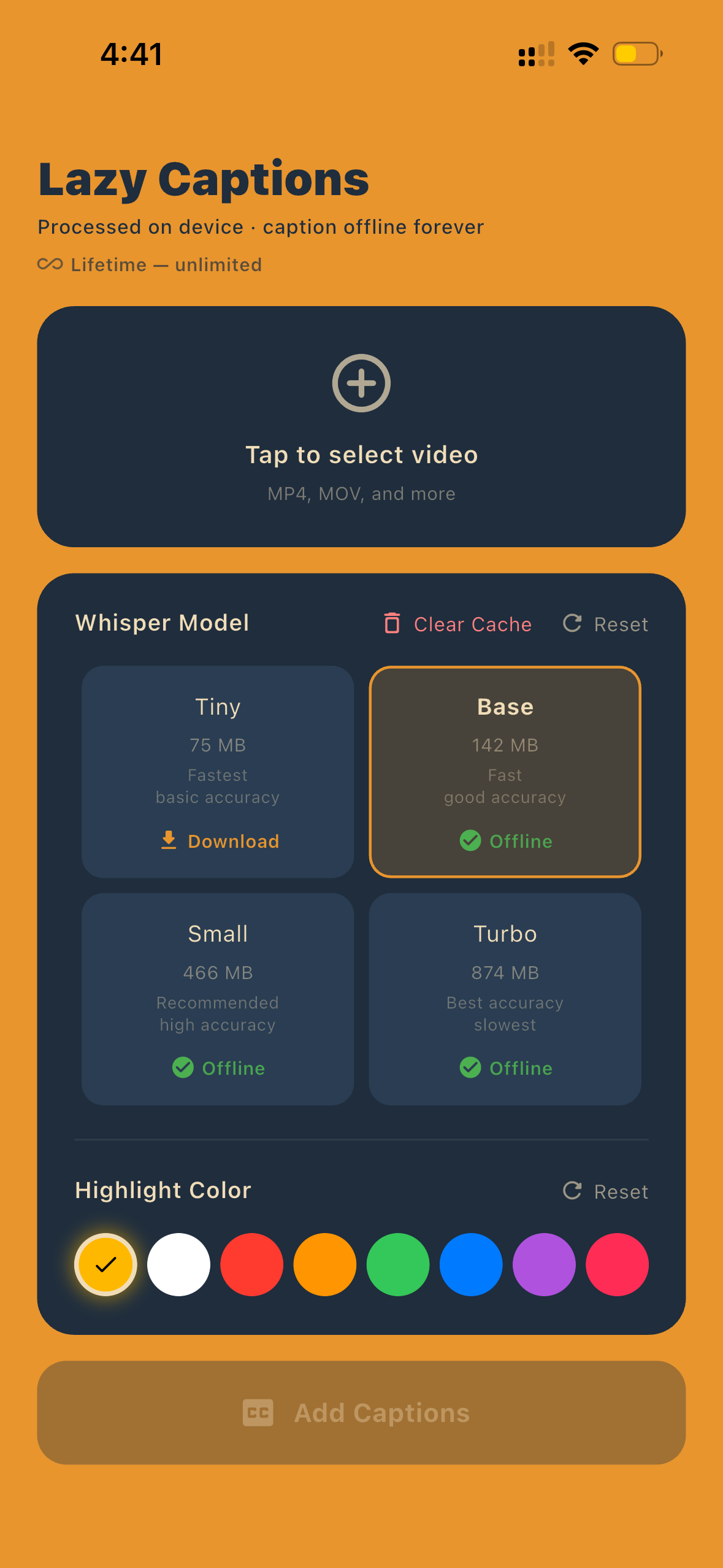
Select any MP4 or MOV from your library. No size limit, no upload — it never leaves your phone.
Choose accuracy
Pick a Whisper model from Tiny to Turbo. Bigger = better accuracy, smaller = faster results.
Get captions
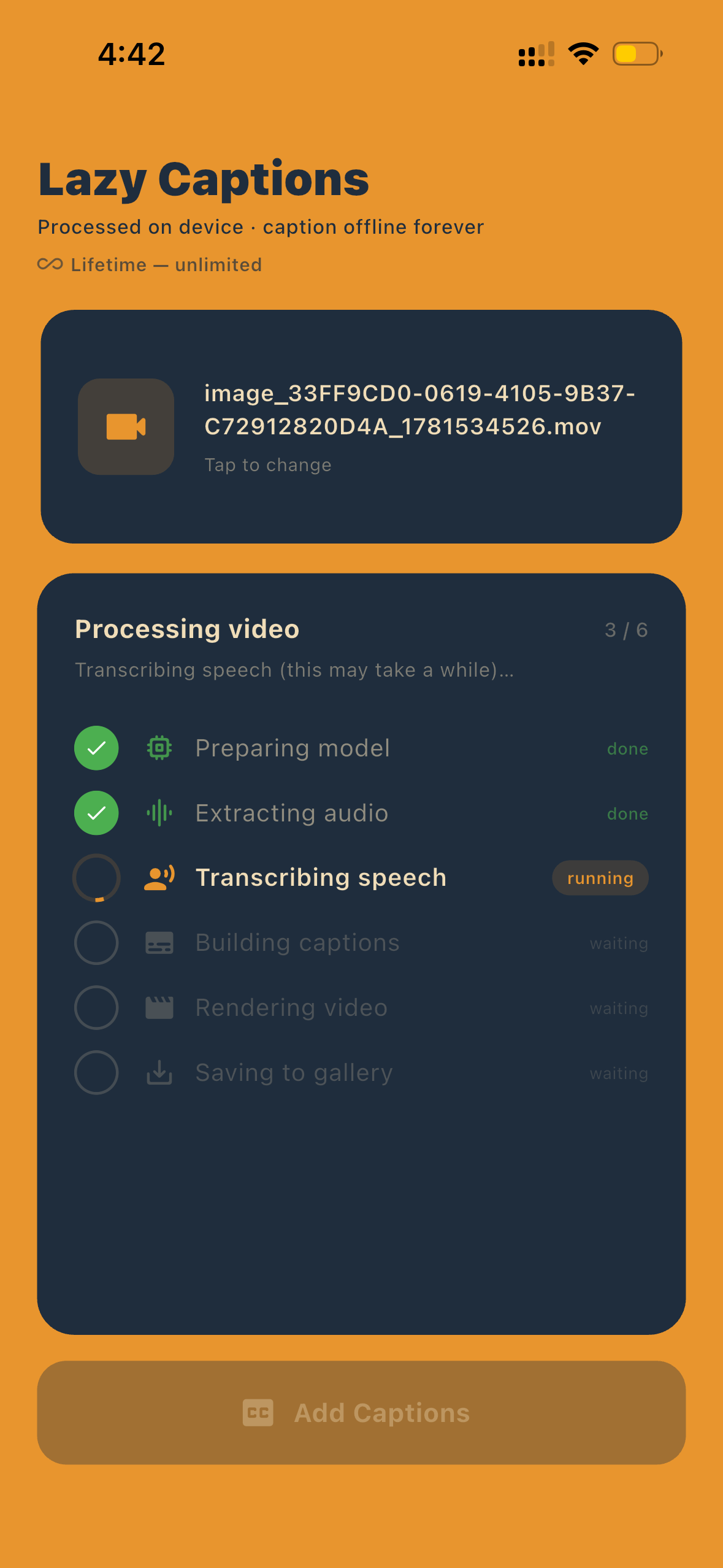
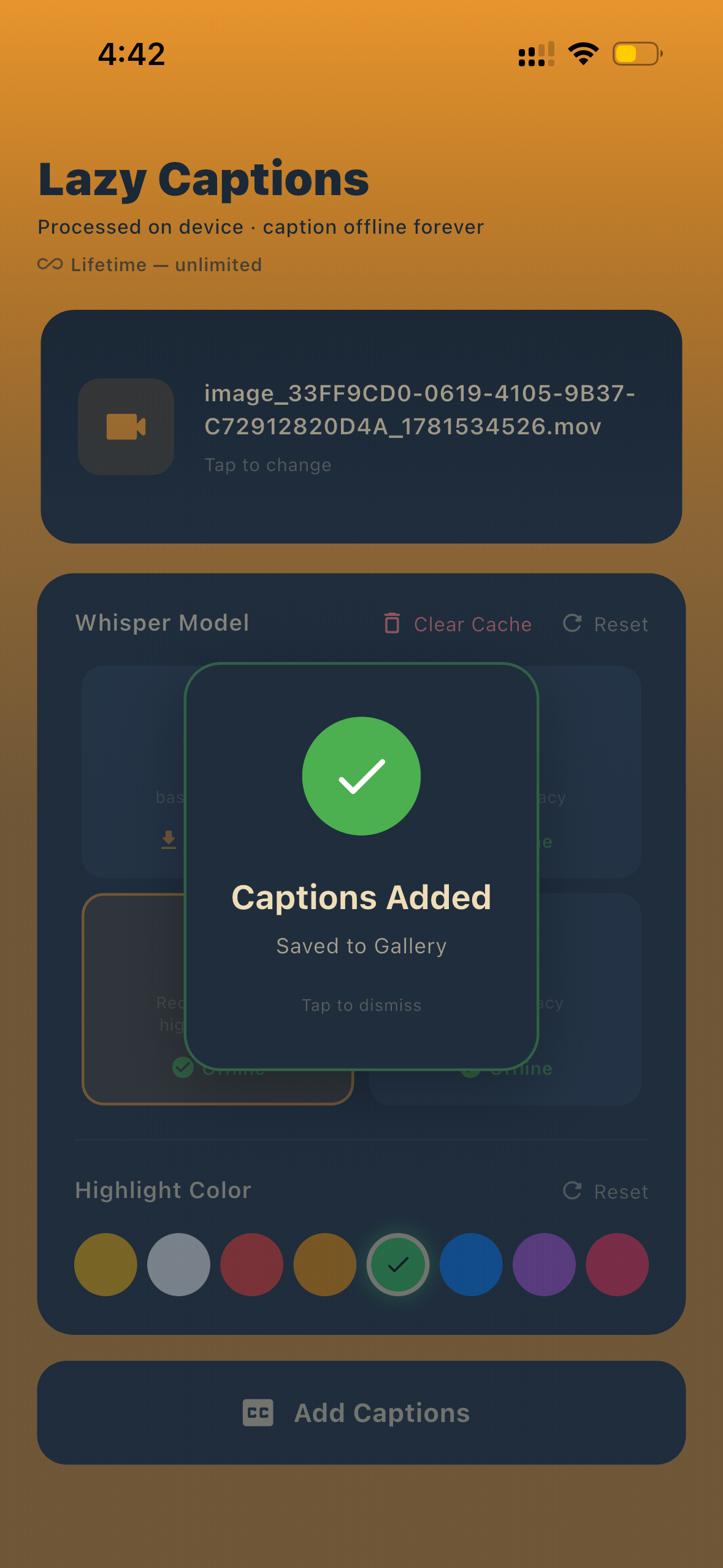
Subtitles are burned in and saved directly to your gallery. Done. Roll credits.
Real output. Zero cleanup.
Captions generated entirely on-device, in seconds. What you see is exactly what the app saves to your gallery.
Private by design.
Whisper on-device
OpenAI's Whisper model runs entirely on your iPhone. Speech recognition that actually works.
Fully offline
No internet needed. Caption videos on a plane, in a tunnel, anywhere.
Custom highlight colors
Yellow, red, blue, green, purple and more — every chapter of this page uses one.
One-time purchase
No monthly fee, no limits. Pay once, caption forever.
Pick your speed.
Start captioning.
One download. No account. No internet. Caption any video, forever.