One day.
One list.
DailyDo holds only today. Scroll through the day below — when you reach midnight, watch what happens to your list.
Write the day
while the coffee brews.
Open the app, jot down what today needs. No projects, no priorities matrix, no due-date pickers. A morning nudge reminds you to set the day — then gets out of the way.
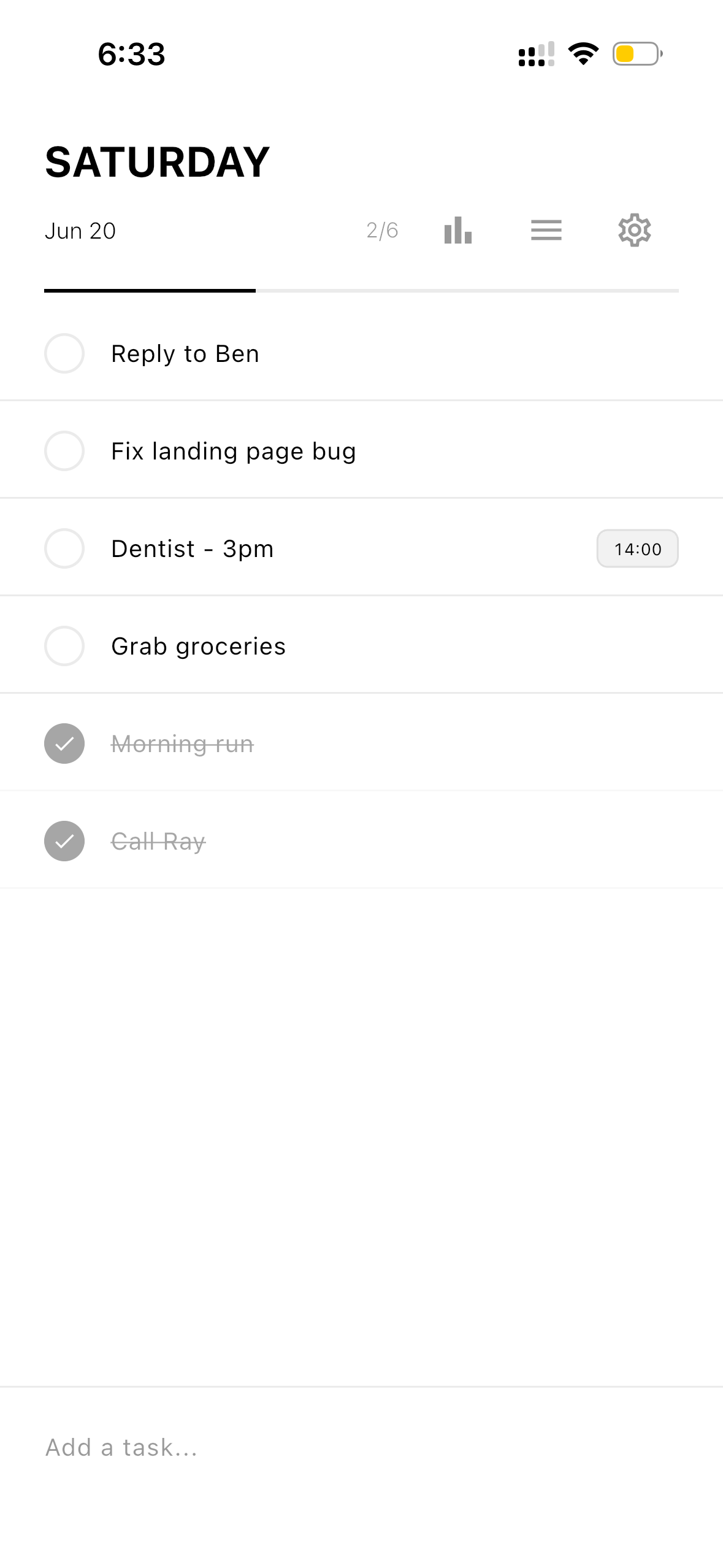
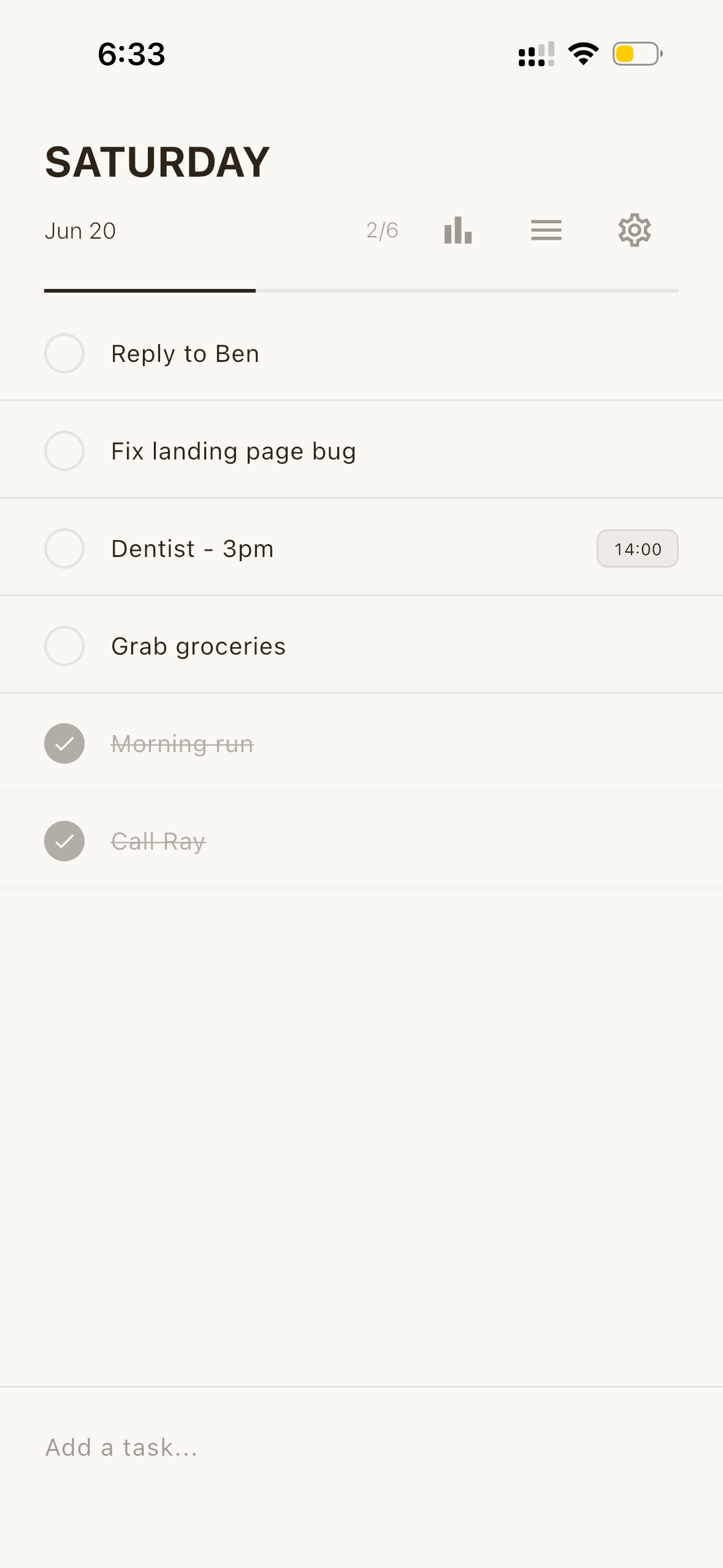
Check things off,
even from your wrist.
Apple Watch and Wear OS keep the list on your arm. One tap marks it done, a gentle haptic confirms it. Named lists — shopping, packing, gym — stay put and never reset.
See your rhythm
before the lights dim.
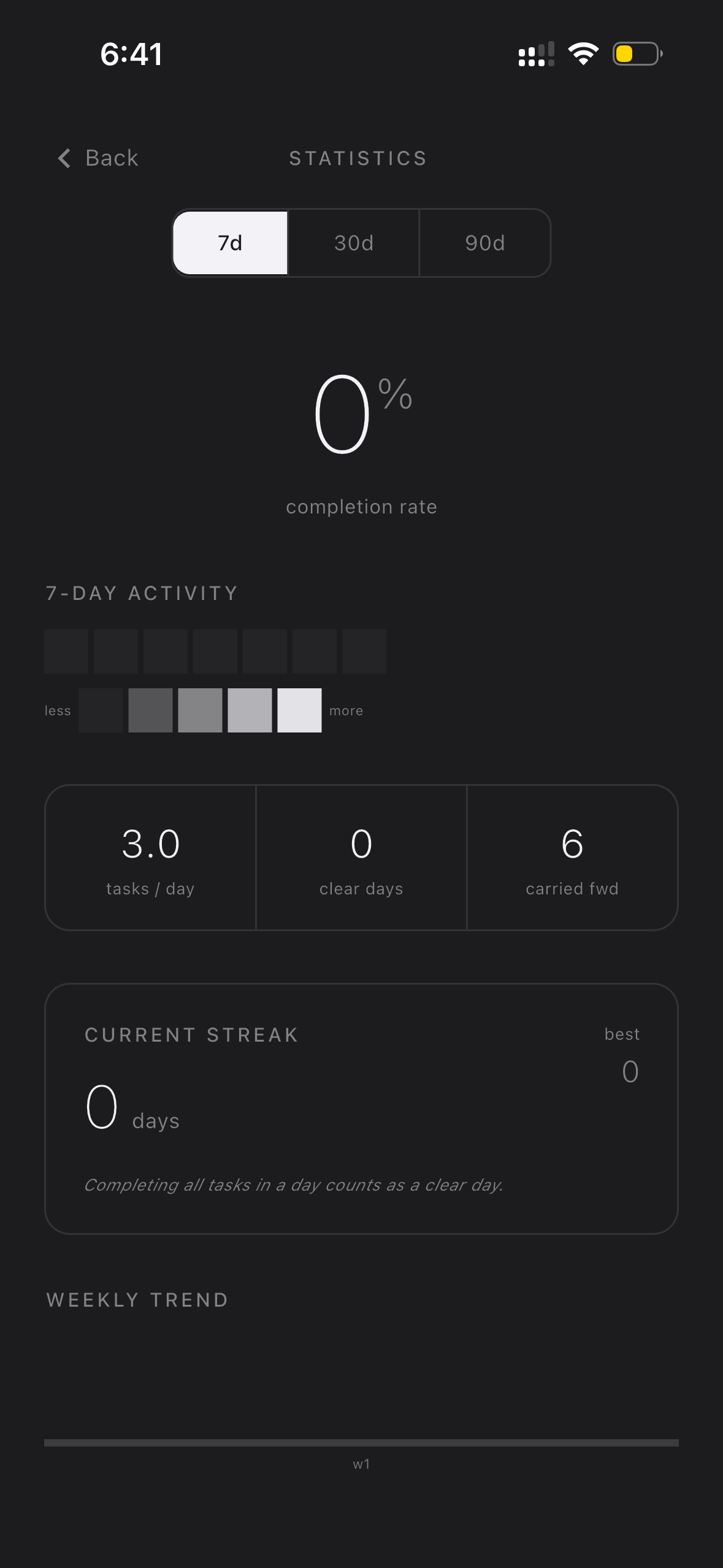
Completion rates, streaks, your busiest days — across 7, 30 and 90-day views. An evening check-in helps you close the day. Every number lives on your device alone.
And then — the page turns.
At midnight, everything resets. No backlog. No guilt. Unfinished doesn't mean failed — carry forward what still matters with one tap, and let the rest go.
Named lists stay
Shopping, packing, the things you reach for again and again — they never reset. Only today does.
Carry forward
When the day resets, choose what moves to tomorrow — one tap per task. Everything else simply lets go.
Four quiet themes
White, Sand, Charcoal, Black — you just scrolled through all of them. The app dresses for the hour, like this page.
No account. No cloud. No tracking.
Everything stays on your device. Free, forever — nothing to sign up for.
Start fresh
every morning.
Free. No account. No setup. Just open it, and begin.